ES File Explorer is designed to be a replacement for the default file manager built into Android. It works more in line with the file explorer you're given access to on Windows operating systems.
Storage management and analysis
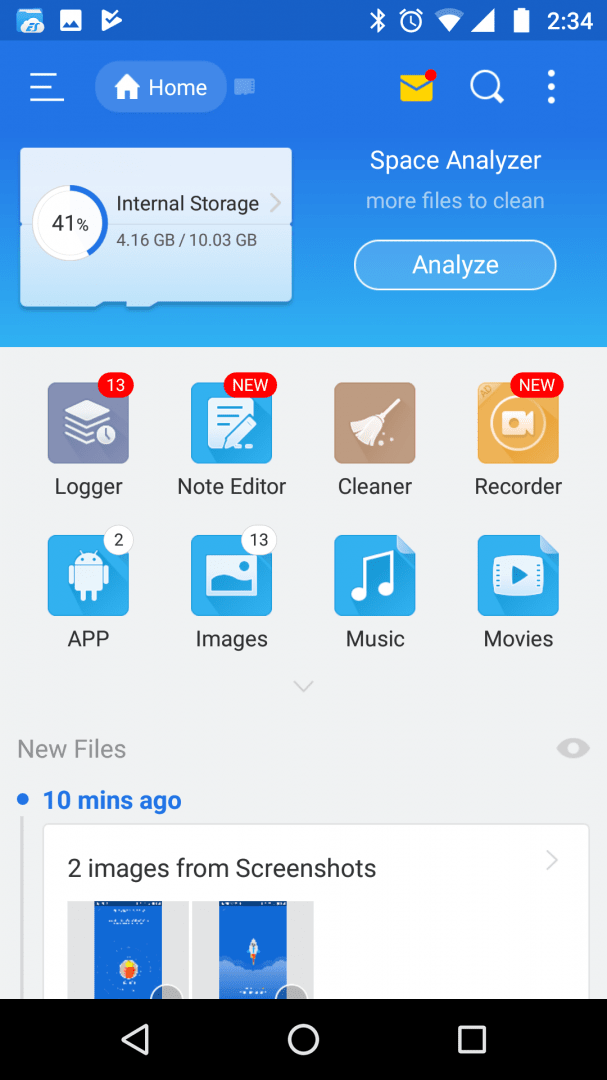
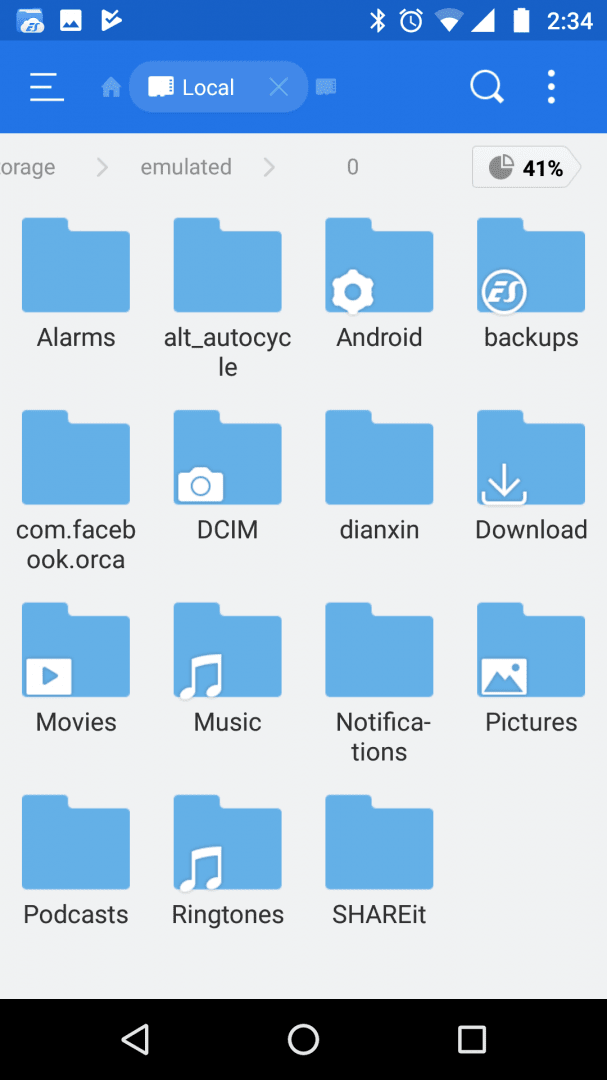
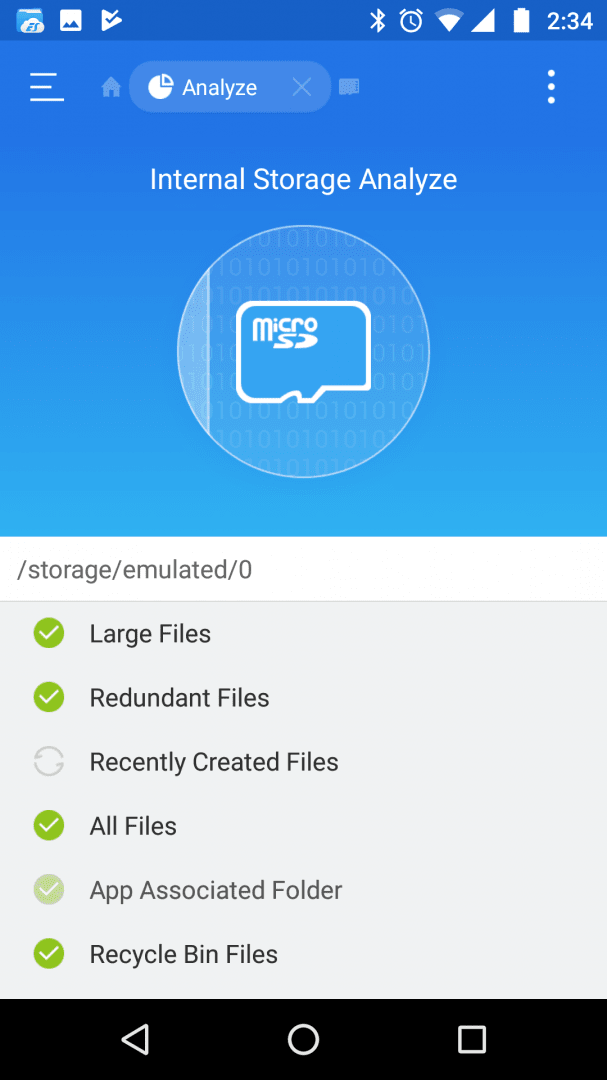
From the get-go, ES File Explorer allows you to quickly navigate and scroll through the files and folders on your device. You can view details about your most recent files and also quickly analyze your storage to see how much free space remains.
The analyze tool also tells you what types of files are using the most space and where you may be able to clean up files to get some additional free storage.Advanced tools and root exploration
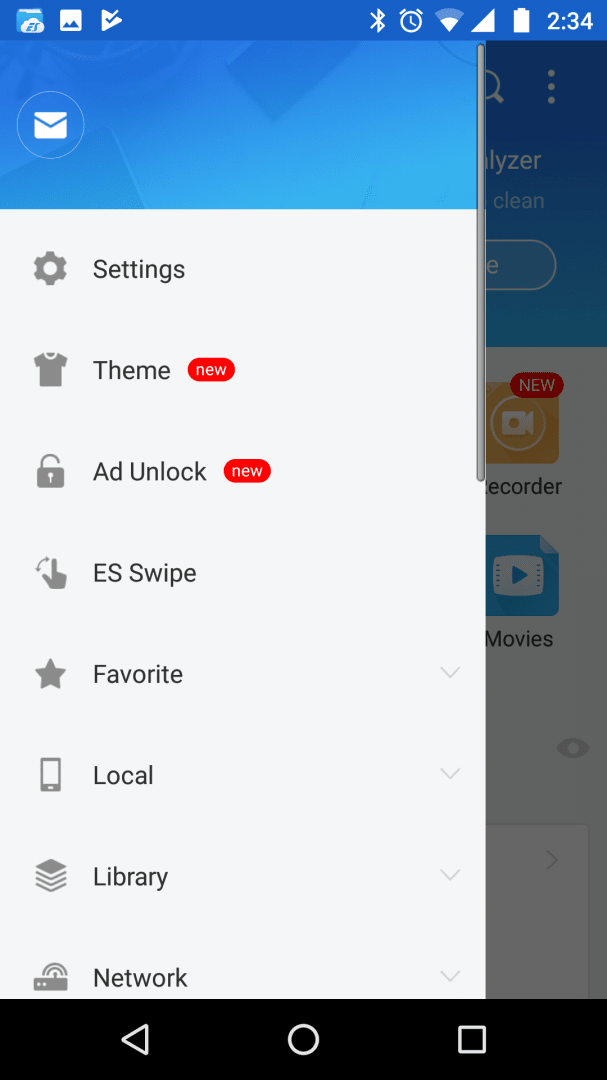
Built into ES File Explorer is a range of tools that give you functionality over every type of file you may have on your device. If you tap to open the menu button, you'll see what we mean. In the menu, you can also tap to show hidden files or tap to access root-level files, if you have root access.
Amongst other things, ES File Explorer allows you to compress and uncompress archives, move files, check file descriptions, edit files, and even play media files through the built-in music player.Clean interface burdened by ads
The interface is easy to navigate through, too. Our only complaint is that there are advertisements spread throughout the app. There are also a few add-ons that can be activated to add new features, but there is currently no official way to purchase an ad-free version since the app was removed from the Google Play Store.